Ten to thirty seconds in Airplane mode is the first thing switchmobile.com has you try when a phone shows full bars and loads nothing. It costs nothing and undoes nothing, which is why it goes first. What follows it, in order, is the data toggle itself, which SIM your traffic is routed through, and the carrier settings underneath them both.
Why your phone shows signal bars but nothing loads
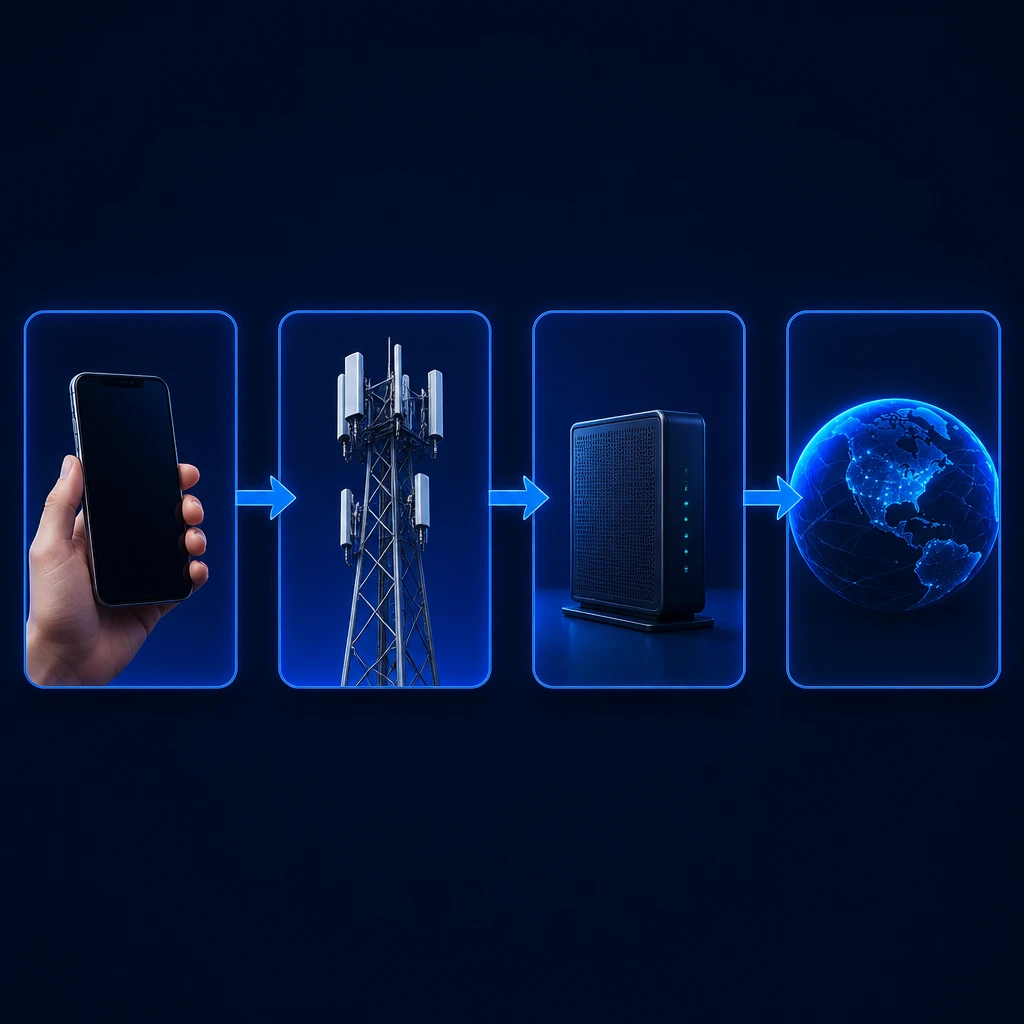
Signal bars measure one thing: the strength of the radio link between your phone and the nearest cell tower. anywheresim.com states that bars say nothing about data bandwidth or about whether there is a working path to the internet behind the tower, and it names severe network congestion, a cell tower backhaul failure and incorrect network settings as common reasons for a full display with no data behind it. Two of those three sit outside your phone entirely. That is worth holding on to while you work, because it means a clean sweep through your own settings is a real result rather than a wasted half hour: it moves the question outward.
What to try first when mobile data stops working
These cost nothing and leave nothing behind, which is the reason to run them before anything further down this page. switchmobile.com groups the data toggle, the Airplane mode cycle and a restart as a single reconnection check rather than three separate fixes.
- Pull down Quick Settings and confirm mobile data is switched on. A toggle knocked off by accident looks exactly like a dead network.
- Turn Wi-Fi off while you test, so that what you are testing is cellular and not a working Wi-Fi connection underneath it.
- Turn Airplane mode on for 10 to 30 seconds to cut power to the wireless radios, then turn it off to force the cellular modem to disconnect and complete a fresh tower registration.
- Restart the phone if the toggle changed nothing.
What turning Airplane mode on and off actually does
slashgear.com describes the switch at the hardware level: Airplane mode cuts power to the phone’s wireless radios, cellular, Wi-Fi and Bluetooth together. Turning it back off forces the cellular modem to disconnect from the tower it was sitting on and run a fresh network scan, re-establishing a connection with the strongest tower available to it.
androidauthority.com describes the same toggle as a way to drop and re-establish the radio connection with the carrier tower, clearing temporary network glitches. What it acts on is the connection itself.
A setting that is wrong stays wrong through the toggle, which is what the rest of this page is for.
How to tell which SIM your data is running on
howtogeek.com names a failure that looks identical to a dead network from the outside: on a multi-SIM or eSIM phone, data fails when internet traffic is routed through a secondary SIM that has no active data plan, and the bars stay full throughout because the other line is registered normally. If you run two lines, or added an eSIM for a trip and never switched back, check this before you go near the settings below.
In its Philippines support pages, samsung.com gives the path on a dual-SIM Android as Settings, then Connections, then SIM manager, or Settings, then Network and internet, then SIMs, where the Preferred SIM selection is what says which line carries data.
That page is Samsung’s own and written for another region, so the wording may not match the phone in your hand. If neither path is there, search your settings app for SIM and look for the screen that names a preferred or default line for mobile data.
What APN settings are and when resetting them helps
An Access Point Name, or APN, is the gateway configuration your phone uses to route data traffic between your carrier’s network and the public internet. That definition comes from shop.maaltalk.com, which also states that resetting the APN to default restores the original carrier parameters and can resolve mobile data or MMS failures.
unlockunit.com is more specific about when that helps: it describes the reset as restoring carrier gateway configurations and resolving corrupted network profiles caused by software updates. The screen lives under your mobile network settings and is named Access Point Names. Use the reset option on it rather than editing the fields by hand, since the reset is what puts the carrier’s own values back.
How to tell whether the fault is your phone, your plan or the network
Three questions separate them. Does Wi-Fi work on the same phone? Do calls and texts go through? Does the phone behave the same way in another part of town?
A phone that is fine on Wi-Fi and fine for calls but dead on cellular data may be pointing at the data side of your account or at the settings above, rather than at the radio. Data that comes back a few miles away may be pointing at the network in that one spot instead, which is where the congestion and tower-side failures anywheresim.com names would show themselves. Neither reading settles anything on its own, but together they tell you which door to knock on.
What resetting network settings costs you
getroamify.com lists what the reset clears: all saved Wi-Fi networks and passwords, paired Bluetooth devices, saved VPN configurations, and custom cellular or APN preferences. The same page states what it leaves alone, which is your personal data, photos, contacts and installed apps.
What it costs you is time, in small pieces.
The Wi-Fi password at home and at work typed again, the car and the headphones paired again, any VPN set up again. Have your home Wi-Fi password to hand before you tap it.
When to call your carrier
If the toggles, the SIM routing and the APN reset have all been through and data is still dead, the next call is to your carrier rather than to a repair shop. Tell them what you have already tested and ask whether they see a network fault in your area or a line issue on their side. The three answers from the triage above are what that conversation runs on.
Can a loose or damaged SIM card cause this?
It may be, and it is quick to rule out. Power the phone down, take the SIM tray out, look at the card’s gold contacts for dirt or a visible mark, seat it firmly and slide the tray back. If your line is an eSIM there is no card to reseat, and the routing check above is the equivalent test.
Why did my data stop working right after a system update?
unlockunit.com names software updates as a cause of corrupted network profiles, and describes resetting the APN to default as what restores the carrier’s gateway configuration. So if the timing lines up with an update, the APN reset described above is worth moving up your list rather than leaving until last.
Can Dual-SIM settings cause mobile data to fail on Android?
Yes. On multi-SIM or eSIM Android devices, cellular data fails if internet traffic is routed through a secondary SIM slot lacking an active data plan despite displaying signal bars. You can verify which SIM is handling mobile data by navigating to Settings > Connections > SIM manager (or Settings > Network & internet > SIMs) and checking the Preferred SIM selection.
Take the checks in the order they appear rather than starting with a reset. The ones at the top cost you nothing to undo, and the one at the bottom clears settings you will have to put back by hand.